
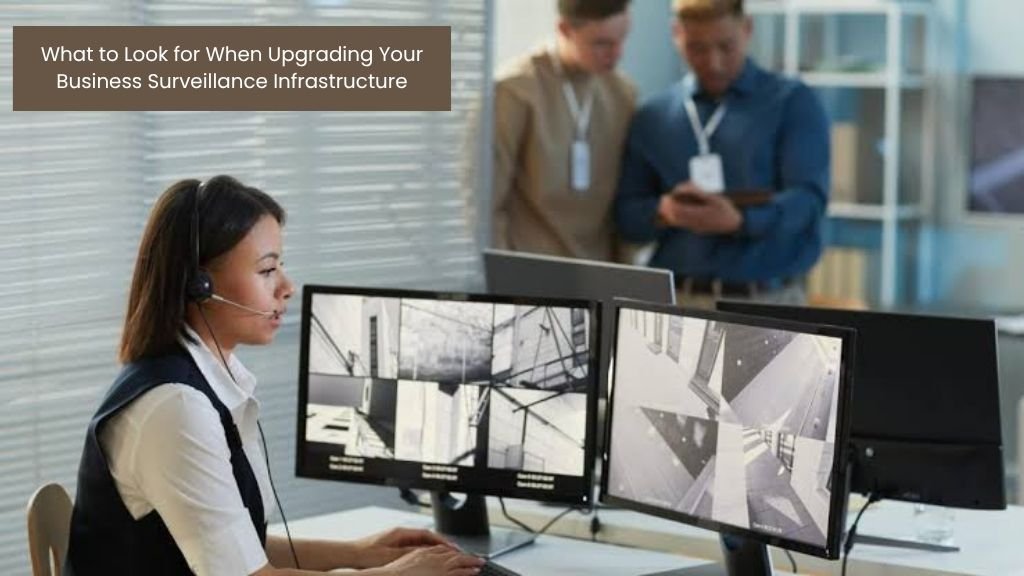


Upgrading your business surveillance is about more than just buying new hardware. You need to choose a system that can cope with the demands you place on it to integrate with the rest of your operations. Then there’s data triage to consider and the complexity of multiple sites, too. Getting these decisions wrong can be expensive in more ways than the upfront cost.
With this in mind, let’s take a look at what you need to evaluate before you commit.
Scalability Across Multiple Sites
If you’re operating across multiple sites, then scalability isn’t optional. It’s the baseline requirement. A surveillance system that works well for a single site but requires significant reconfiguration every time a new location is added creates ongoing cost and complexity that compound quickly.
What you need to look for here is a system architecture that treats multi-site deployment as a standard use case rather than an afterthought. That means centralized management across all locations, consistent performance regardless of where cameras are installed, and the ability to add capacity — more cameras, more sites, more users — without architectural overhaul.
Integration With Existing Security and IT Solutions
Surveillance does not operate in isolation; access control, alarm systems, visitor management, and network infrastructure all intersect with video security, and a system that requires parallel operation rather than genuine integration creates gaps and overhead that compound over time.
A camera that captures an unauthorised access attempt is more useful when it triggers a door lock automatically and alerts a security team than when it just records footage. What you need here is an open platform architecture that uses standard APIs and protocols rather than proprietary connectors that lock you into a single vendor ecosystem. This gives IT teams more control over how data flows between platforms, and they’re significantly easier to update as individual components change over time.
Analytics and Intelligence Capabilities
Modern surveillance systems go considerably further than recording and motion detection. Object recognition, licence plate identification, movement pattern analysis, real-time anomaly detection and occupancy tracking are now standard capabilities in enterprise-grade platforms.
A video management system with strong analytic capabilities functions as a business intelligence tool as much as a security one. Retail operations use video analytics to understand customer behaviour and optimize layouts. Logistics use it to track asset movement and identify process bottlenecks, while facilities teams use occupancy data for space planning. The analytics depth, the accessibility of that data for wider business reporting, and the development roadmap for future capabilities are all worth scrutinizing before committing.
How Video Data Is Stored and Accessed
On-premises storage gives direct control over data but requires hardware investment and ongoing maintenance. Cloud storage reduces physical infrastructure requirements but introduces questions around bandwidth, latency, and data sovereignty. This is particularly relevant for organisations in regulated industries. Hybrid models where recent footage is retained locally for immediate access and longer-term archiving is moved to the cloud are becoming increasingly common.
Beyond the storage model, retrieval speed, access controls, and audit trail integrity matter. Especially for organizations where footage is routinely used in compliance reviews or legal proceedings.